Support • Troubleshooting

Need help with Memory Roamer?

This page covers common support questions for Memory Roamer, including saved pins, map behavior, personal media, voice memories, permissions, favorites, and journal features.

Memory Roamer icon artwork
Memory Roamer A personal place journal with saved pins, favorites, notes, media, and voice memories.
Saved pin help What to check if a place does not save, appear on the map, or update as expected.
Useful report details Device model, iOS version, app version, the place involved, and what you expected to happen.
Quick start

How to use the app

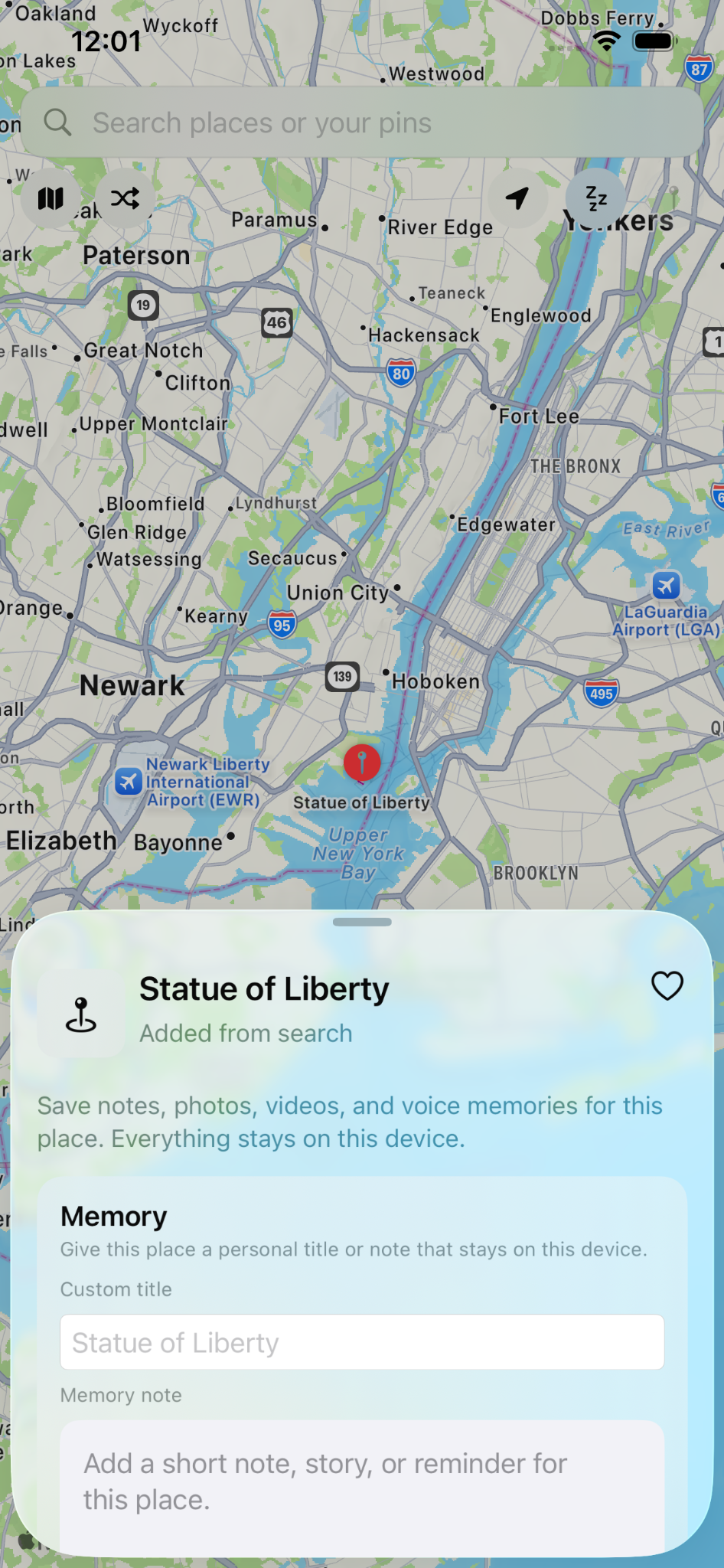
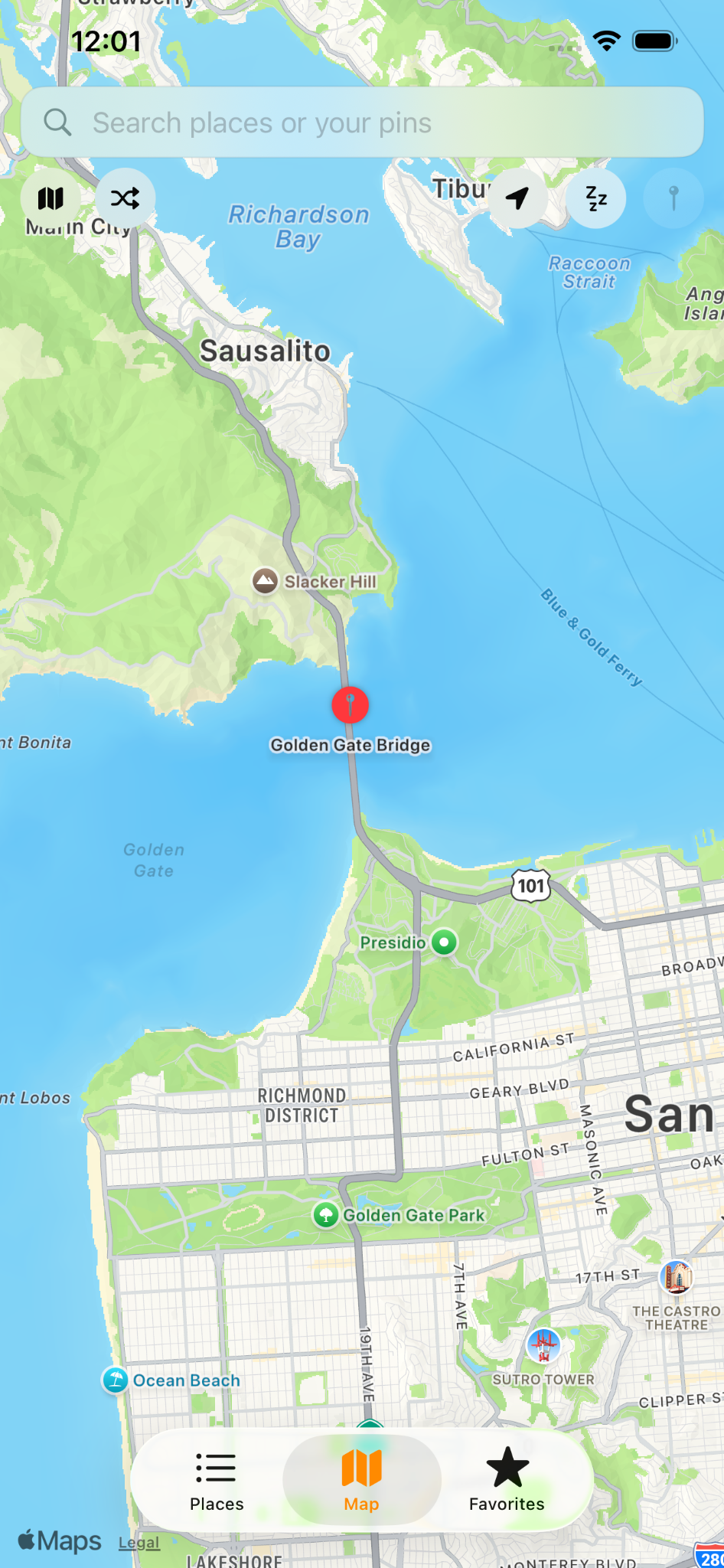
  1. Open the Map tab and browse your saved pins or search for a new place.
  2. Use the search bar to find a location you want to keep.
  3. Open the place card and save it as your own pin.
  4. Add a custom title, note, photo, video, or voice memory if you want to personalize it.
  5. Tap the heart to save favorites and return later from the Favorites view.
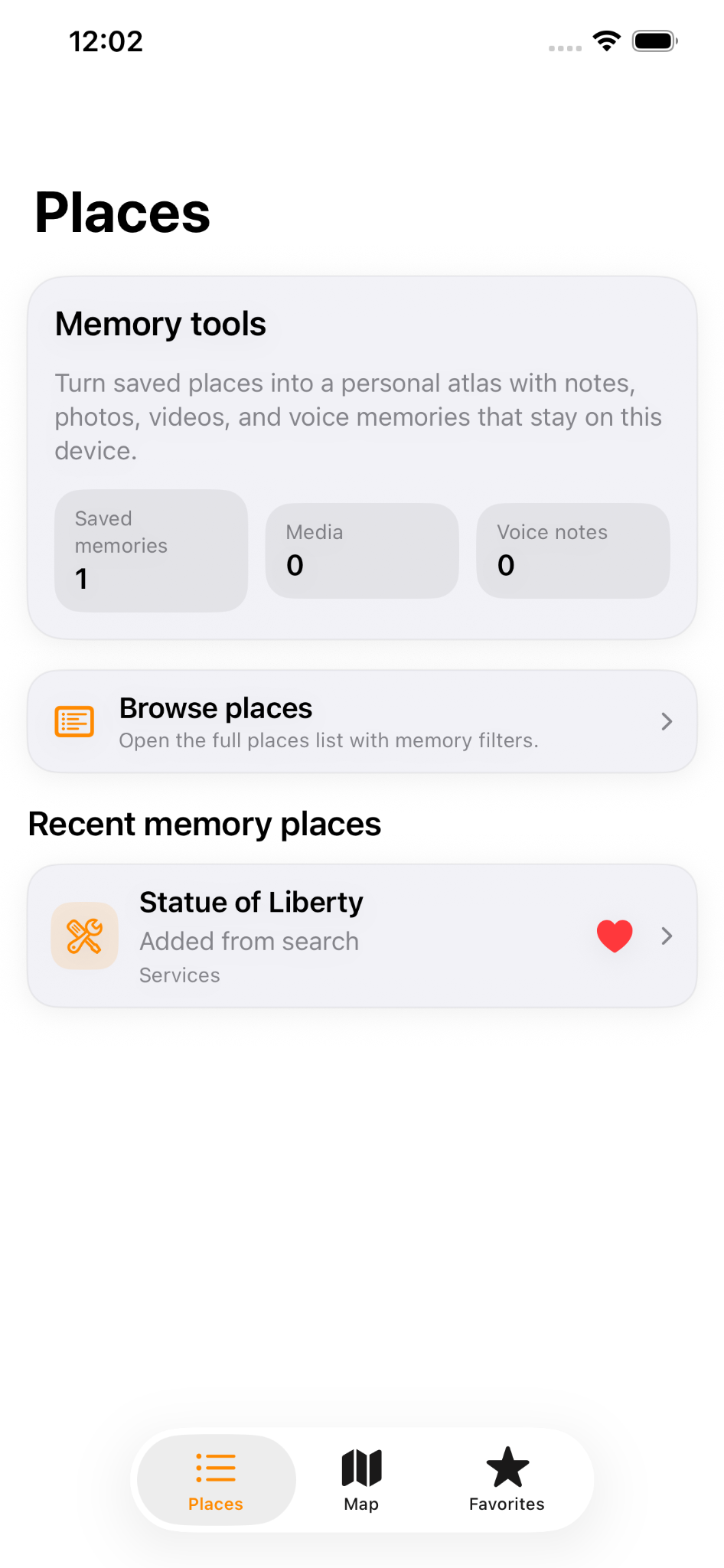
  6. Use Recent and Journal to revisit places you added or opened before.
Best first checks

If something is not working

  • Confirm that your device has an active internet connection when using map or place search features.
  • Try closing and reopening the place card if a newly searched place does not appear right away.
  • Make sure Photos, Camera, Microphone, or Location permissions are enabled if that feature depends on them.
  • Fully close and reopen the app if saved media previews or map updates appear delayed.
  • Check the app version and install the latest build available to you.
If a place search result loads but does not save the way you expect, include the place name and a screenshot when you contact support.
FAQ

Common support questions

Why didn’t a searched place save as a pin?

Try opening the place card again and confirm that you completed the save action. If the map does not refresh immediately, reopen the app or search again to confirm the location details.

Why is my saved media missing or delayed?

Media previews can appear slowly if the device is busy or the app has just been reopened. Confirm that the item was added successfully and that Photos permission is available if you imported media from your library.

How do I save a place to Favorites?

Tap the heart icon on the place card. Saved items appear in Favorites so you can return quickly later.

How do I add my own photos or videos?

Use the app’s add-media actions on a saved place card. If prompted, allow access to Photos or Camera. These permissions are optional and only needed for media features.

How do I record a voice memory?

Open a supported saved place, choose the voice memory option, and allow Microphone access if iOS asks for it.

Does Memory Roamer require an account?

No account is required for normal use. The app is designed to let you save and revisit places without a sign-up flow.

Can I keep playback going in the background?

Yes. Local playback can continue while you move around the app or switch to other tasks, subject to normal iOS behavior.

What should I send in a bug report?

Include your device model, iOS version, the app version, the place name involved, and what you expected to happen. Screenshots or a short screen recording are very helpful.

Permissions

Why the app may ask for access

  • Photos: Needed only if you choose media from your library for a saved pin.
  • Camera: Needed only if you choose to take a new photo or video inside the app flow.
  • Microphone: Needed only if you choose to record a voice memory.
  • Location: Used for optional map-related features such as centering on your position.

You can manage all permissions later in the iOS Settings app.

Contact

Contact support

For support, bug reports, or general feedback, use the email below.


Please include:

  • Your device model and iOS version
  • The Memory Roamer app version
  • The place involved
  • What happened and what you expected instead
  • A screenshot or screen recording, if available